
Flutter: Unlock High-Performance Apps with Flutter – 2024

Introduction
Flutter is Google's open-source UI software development kit used to build natively compiled, beautiful applications for mobile, web, desktop, and embedded devices from a single codebase. Launched by Google in 2018, Flutter has rapidly become one of the most popular frameworks for cross-platform development, enabling developers to create high-performance applications for Android, iOS, the web, Windows, macOS, and Linux using a single Dart codebase.
Flutter uses the Dart programming language — also developed by Google — which compiles to native ARM or x86 machine code for mobile and desktop, and to JavaScript for the web. Unlike other cross-platform frameworks that rely on web views or JavaScript bridges, Flutter renders its own UI components directly using the Skia (now Impeller) graphics engine, giving it pixel-perfect control over every element on screen and delivering native-like performance on all platforms.
Flutter's reactive framework and rich set of pre-built Material Design and Cupertino widgets make it possible to build visually stunning, highly responsive applications in a fraction of the time it would take with traditional native development. Its hot reload feature allows developers to see changes instantly without restarting the app, dramatically accelerating the development cycle.
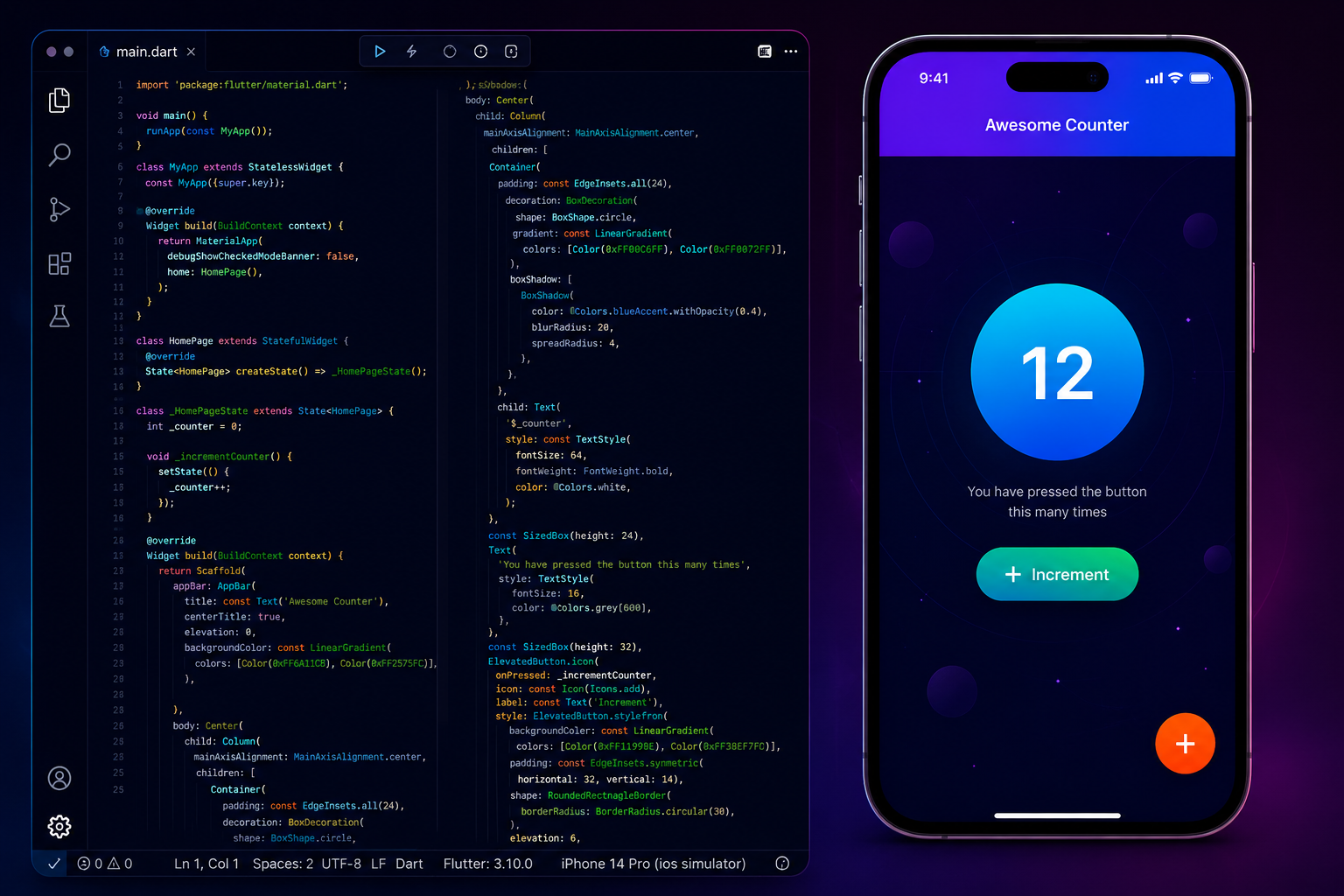
01 Flutter – Basics
Getting started with Flutter requires setting up the development environment correctly. Flutter supports development on Windows, macOS, and Linux, and works with both VS Code and Android Studio as IDEs. The Flutter SDK includes the Dart SDK, the Flutter CLI tool, and all necessary libraries to build and run Flutter applications.
- Flutter installation: Download the Flutter SDK from flutter.dev and extract it to a suitable location on your system.
- Dart setup: Dart is bundled with the Flutter SDK — no separate installation is required.
- VS Code / Android Studio: Install the Flutter and Dart plugins for your preferred IDE to get syntax highlighting, code completion, and debugging support.
- Flutter SDK: Add the Flutter SDK bin directory to your system PATH so the flutter command is available globally.
- Emulator setup: Use Android Virtual Device (AVD) Manager in Android Studio or the iOS Simulator on macOS to test your apps without a physical device.
- Flutter CLI: Use
flutter doctorto verify your setup,flutter createto scaffold a new project, andflutter runto launch your app.
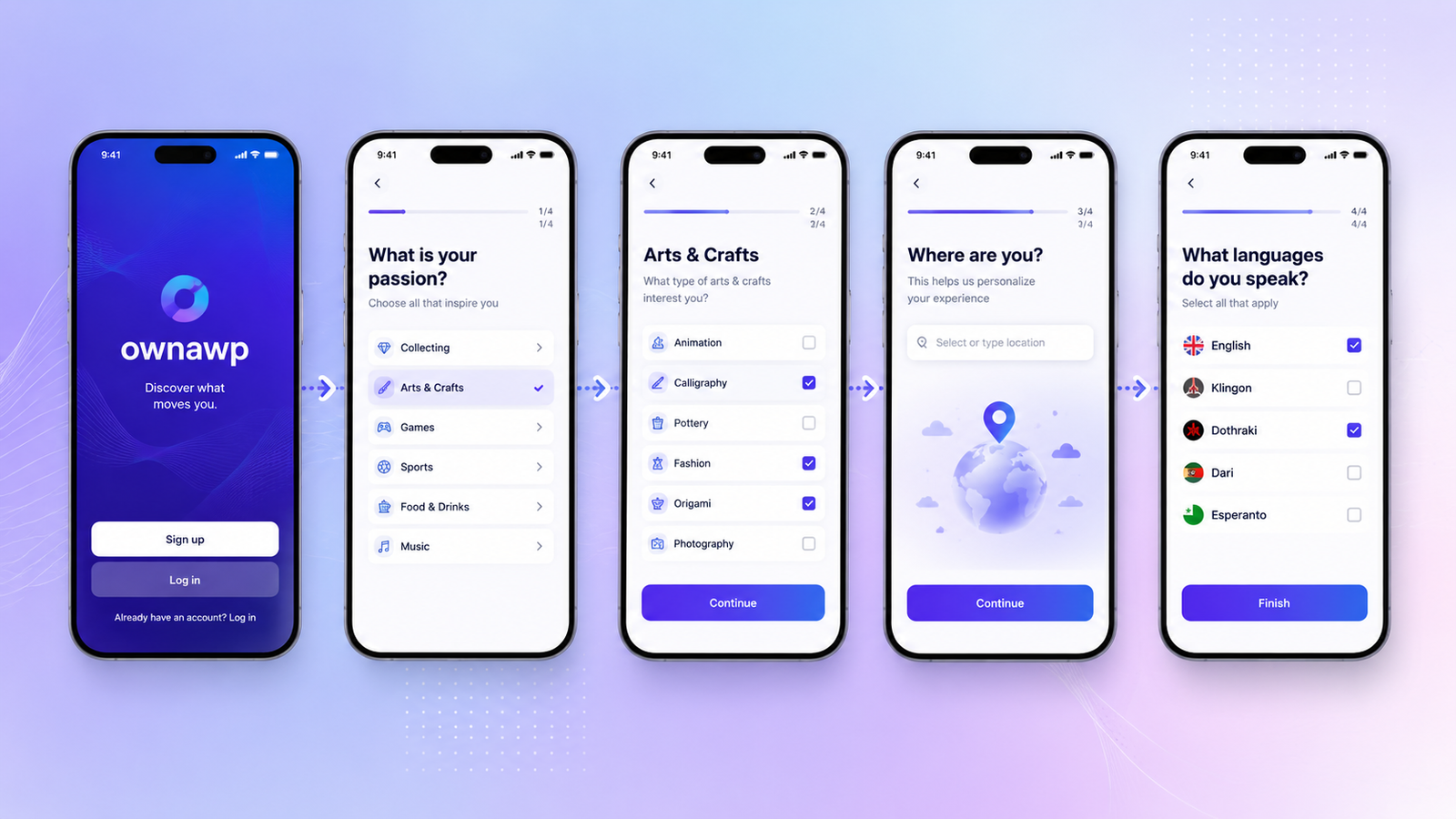
02 Flutter – Widgets
In Flutter, everything is a widget. Widgets are the fundamental building blocks of a Flutter application's user interface. Each widget is an immutable description of part of the UI — from a simple text label to a complex scrollable list. Flutter's widget tree is a hierarchical structure where parent widgets contain child widgets, composing the entire UI from small, reusable pieces.
Flutter provides two categories of widgets: StatelessWidget (for UI that does not change) and StatefulWidget (for UI that can change in response to user interaction or data updates). The framework re-renders only the parts of the widget tree that have changed, making updates efficient and fast.
- Text: Displays a string of text with optional styling.
- Row / Column: Arranges children horizontally or vertically in a flex layout.
- Container: A versatile box widget for padding, margins, borders, and background colour.
- Stack: Overlays children on top of each other, useful for layered UI designs.
- ListView / GridView: Scrollable list and 2D grid widgets for dynamic data.
- Scaffold: Provides the basic Material Design visual layout structure including AppBar, body, and FAB.
- ElevatedButton: A Material Design button with elevation and ripple effect.
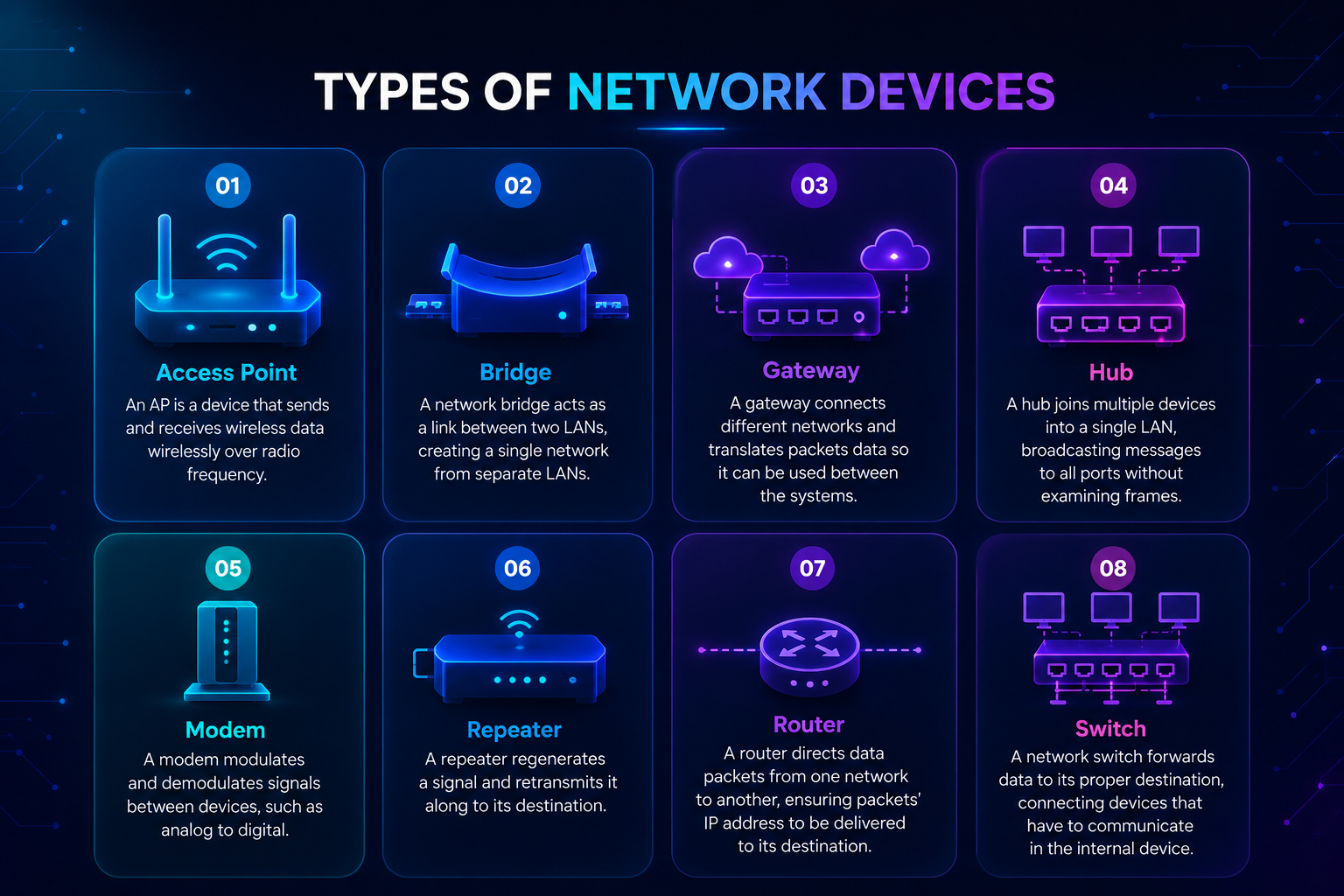
03 Flutter – UI Components
Flutter's rich library of UI components covers everything needed to build polished, production-ready applications. These components follow Material Design guidelines by default but can be fully customised to match any design system. Flutter also provides Cupertino widgets that mimic the iOS design language for apps targeting Apple platforms.
- Buttons: ElevatedButton, TextButton, OutlinedButton, and IconButton for various interaction styles.
- TextField: A text input field with support for validation, formatting, and keyboard types.
- Cards: Material Design cards for displaying grouped content with elevation.
- Dialogs: AlertDialog and SimpleDialog for modal user interactions and confirmations.
- SnackBar: Lightweight feedback messages displayed at the bottom of the screen.
- BottomNavigationBar: Tab-based navigation bar at the bottom of the screen for switching between top-level views.
04 Flutter – Animations
Flutter's animation system is one of its most powerful features. Built on top of the Dart animation framework, Flutter provides both implicit animations (which handle simple property changes automatically) and explicit animations (which give developers full control over timing, curves, and sequencing). The animation system is tightly integrated with the rendering engine, ensuring smooth 60fps or 120fps animations on supported devices.
- Fade animation: FadeTransition and AnimatedOpacity for smooth opacity changes.
- Hero animation: Shared element transitions between screens for a seamless navigation experience.
- Scale / Rotation transition: ScaleTransition and RotationTransition for growing, shrinking, or spinning widgets.
- AnimationController: Drives animations with precise timing and playback control.
- Tween animation: Interpolates between a start and end value for any animatable property.
05 Shapes and Motions
Flutter's Material motion system provides a set of pre-built transition patterns that bring consistency and expressiveness to app navigation. The four main motion patterns — Container Transform, Shared Axis, Fade Through, and Fade — cover the most common navigation scenarios and can be applied with minimal code using the animations package.
Custom shapes in Flutter are created using the CustomPainter API, which gives developers direct access to the Canvas for drawing arbitrary paths, curves, and geometric shapes. Combined with Flutter's animation system, custom shapes can be animated smoothly to create rich, interactive UI experiences.
06 Flutter – Routing
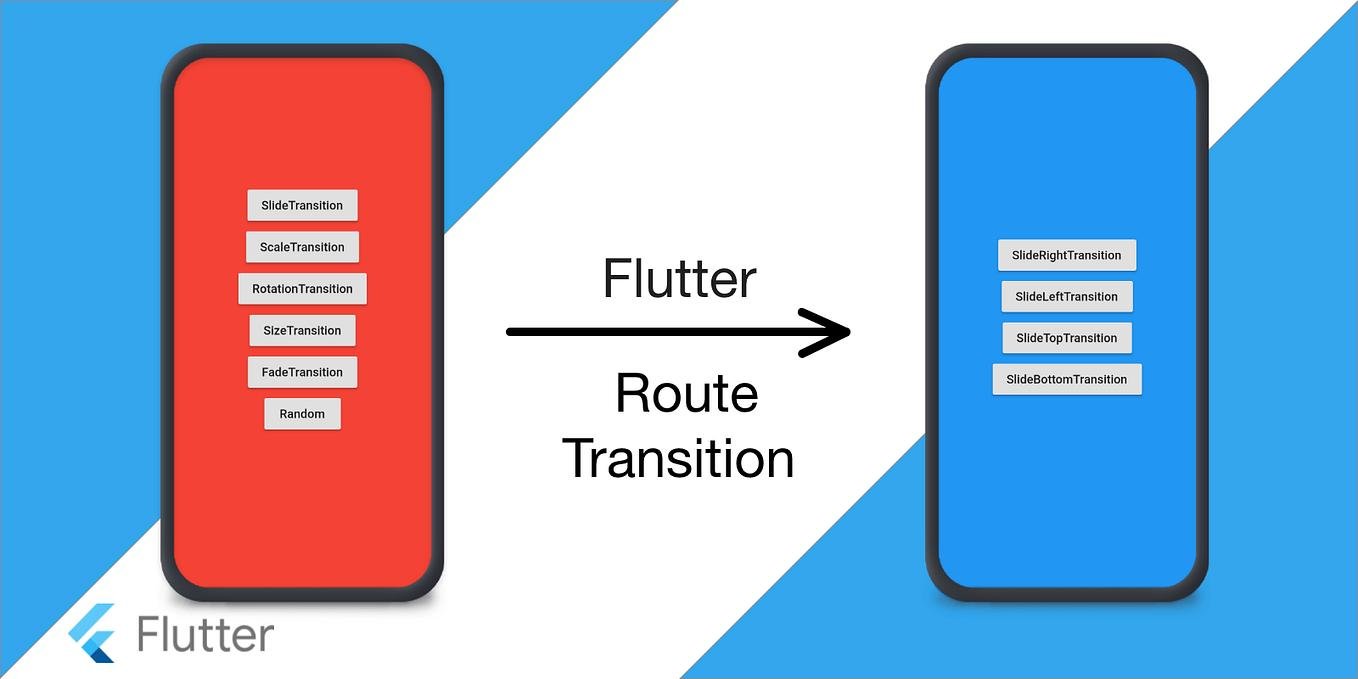
Navigation and routing in Flutter are managed by the Navigator widget, which maintains a stack of Route objects. Each screen in a Flutter app is a route, and navigating between screens means pushing and popping routes on the Navigator stack. Flutter supports both imperative navigation (Navigator.push/pop) and declarative navigation (Navigator 2.0 / GoRouter) for complex routing scenarios.
- Named routes: Define routes by name in MaterialApp's routes map for clean, maintainable navigation code.
- Navigator.push / pop: Push a new route onto the stack to navigate forward; pop to return to the previous screen.
- GoRouter: Use GoRouter or auto_route packages for deep linking, URL-based routing, and nested navigation in complex apps.
07 Deploying to Device
Deploying a Flutter app to a real device or generating a release build involves a few platform-specific steps. Flutter's CLI makes the process straightforward with commands like flutter build apk for Android and flutter build ios for iOS.
- APK generation: Run
flutter build apk --releaseto generate a signed Android APK ready for distribution. - iOS build: Run
flutter build ios --releaseon macOS with Xcode installed to generate an iOS archive for App Store submission. - Emulator testing: Use
flutter runwith an active emulator or simulator for rapid development testing. - Flutter DevTools: Use Flutter DevTools for performance profiling, widget inspection, memory analysis, and network monitoring.
08 Development Concepts
Building production-quality Flutter apps requires understanding key development concepts beyond basic widget composition. State management, API integration, and third-party service integration are essential skills for any Flutter developer working on real-world applications.
- Provider: A lightweight, recommended state management solution for small to medium Flutter apps.
- Riverpod: An improved, compile-safe alternative to Provider with better testability and flexibility.
- Bloc: Business Logic Component pattern for separating UI from business logic in large, complex applications.
- API integration: Use the http or dio packages to consume REST APIs and handle JSON serialisation.
- Firebase integration: FlutterFire plugins provide easy integration with Firebase Authentication, Firestore, Cloud Storage, and Cloud Messaging.
09 Flutter App Projects
The best way to solidify Flutter skills is by building real projects. Each project type introduces different Flutter concepts — from state management and API calls to local storage and push notifications.
- Chat app: Real-time messaging with Firebase Firestore, Firebase Auth, and push notifications.
- E-commerce app: Product listings, cart management, payment integration, and order tracking.
- Expense tracker: Local data storage with SQLite or Hive, charts with fl_chart, and budget management.
- Weather app: REST API integration, location services, and animated weather UI.
- Food delivery app: Maps integration, real-time order tracking, and payment gateway.
10 Features of Flutter
Flutter compiles to native machine code and renders with its own graphics engine, delivering smooth 60/120fps performance across Android, iOS, web, Windows, macOS, and Linux from a single codebase.
- High performance: Compiles to native machine code, smooth 60/120fps with Impeller rendering engine.
- Cross-platform support: A single codebase targets Android, iOS, web, Windows, macOS, and Linux.
- Beautiful UI: Rich set of customisable Material Design and Cupertino widgets for pixel-perfect interfaces.
- Hot reload: See code changes reflected instantly in the running app without losing state.
- Open source: Fully open source with an active community contributing packages, plugins, and improvements.
- Fast development: Hot reload, expressive widgets, and rich tooling dramatically reduce development time.
"Build beautiful, natively compiled applications for mobile, web, and desktop from a single codebase." — Flutter's core promise.
Whether you are a web developer looking to enter mobile development or a team wanting to ship to multiple platforms simultaneously, Flutter is a proven, production-ready solution. Get in touch with our team to explore how we can help you build your next Flutter application.
Vishwa Perumal
September 10, 2024Great introduction to Flutter! The section on widgets and animations is especially helpful for beginners. Flutter's hot reload feature alone makes it worth learning — it transforms the development experience completely.